
AI Sales Automation & Workflow

Cockpit
Cockpit solves cumbersome command-line server management with a streamlined, web-based admin interface for Linux — resulting in faster, visual management without workflow disruption.
5.0/5★ Featured
Company snapshot
- Followers
- 1 (2026-06-19)
Facts
- Industry
- Research
- Customers
- No customers found
- Followers
- 1
- Review created
- Last reviewed
Review of Cockpit 2026: Server Management Made Easy — Comparison & Guide
Introduction & Key Verdict (TL;DR, 40–80 words)
- Cockpit is a streamlined, web-based server interface (LGPL) that enables graphical system administration alongside existing CLI workflows. Ideal for beginners and experienced administrators who need a quick overview, storage, network, and VM management. For companies requiring centralized, paid SaaS functionality, Pedalix/Cockpit (a different product) remains a commercial alternative.
TL;DR Overview (In short: Unique Feature | Rating & Critical Notes | Best for)
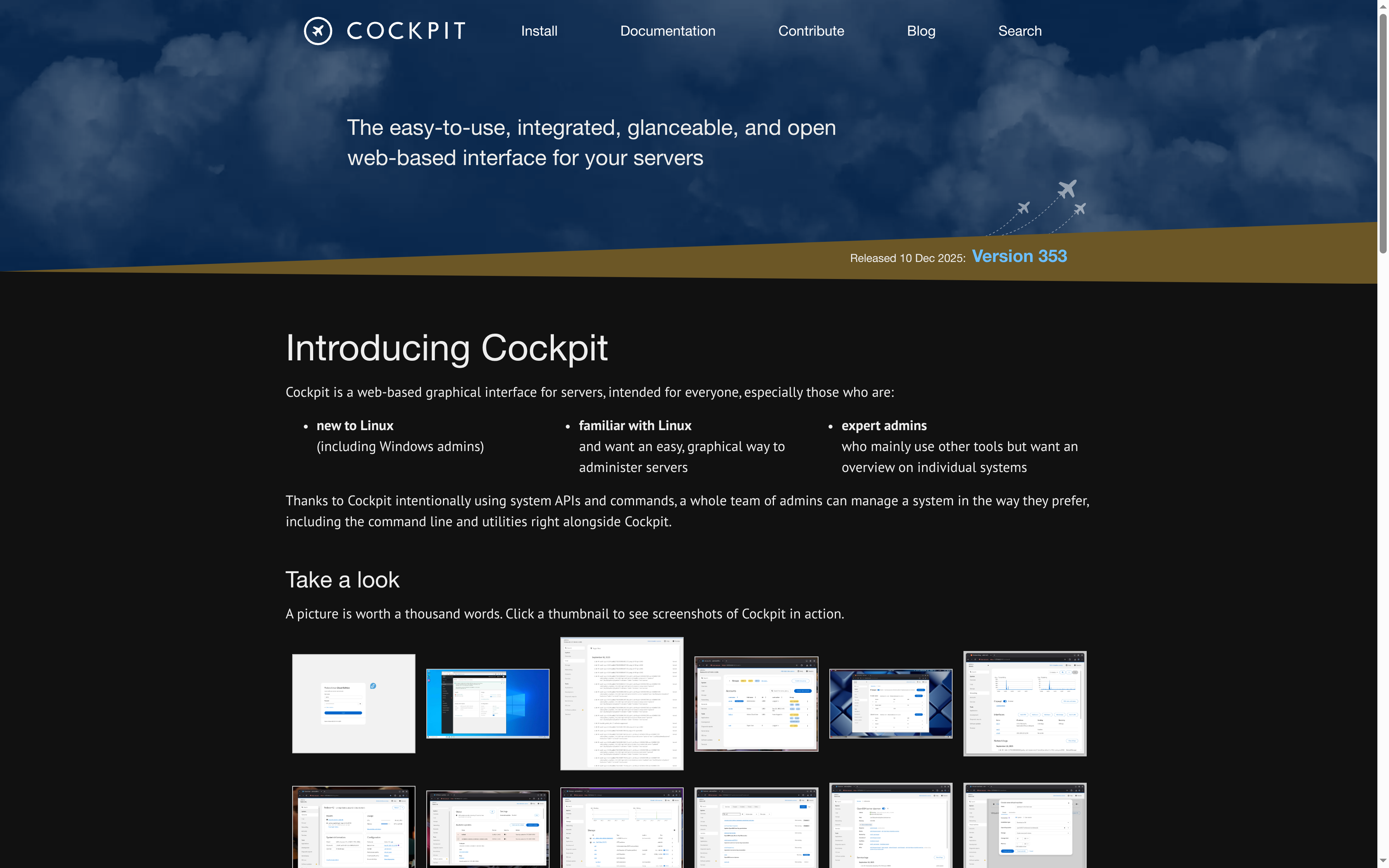
- Simplicity & Native System APIs | 4.5/5 – very stable, low overhead | Single server & small teams Extensibility (Apps & Modules) | 4/5 – many add-ons, requires Linux know-how for development | Admins with scripting skills License & Costs | 5/5 – Open-source (LGPL) | Cost-conscious organizations Core Features of Cockpit Graphical System Overview A dashboard clearly displays CPU, memory, network, and storage metrics; screenshots on the project page demonstrate login, overview, journal view, and storage views. Native Tools & Integration: Cockpit utilizes existing system APIs and commands (systemd, journald, ip, etc.) instead of introducing new subsystems. This allows for the parallel use of CLI, Ansible, and other automation tools. Storage, Network & Firewall: Management of RAID, LUKS-encrypted partitions, network configuration, and firewall settings directly in the UI. Containers, VMs & Images: Support for container downloads and creation, as well as VM management (including cloud images/import) – practical for test and edge systems. Logs, Services & Terminal
- Journal search, insight into SELinux errors, systemd service management, and a built-in terminal for direct CLI actions in the browser.
- Extensibility
- Large list of optional and third-party apps; custom modules can be written (starter kit and examples available).
- Security & Authentication
- Uses normal system logins, supports SSO and other authentication methods; runs on-demand via systemd socket activation, reducing resource usage.
How Cockpit solves the main problem
- Problem: Many administrators need a quick overview without constantly relying on CLI commands; Beginners are often put off by purely text-based workflows. Solution: Cockpit offers a graphical, web-based interface that uses the same system tools as the CLI – thus, it doesn't decouple but rather complements existing processes. Result: Faster troubleshooting, easier onboarding for Windows admins or beginners, while maintaining a seamless workflow for experienced admins who continue to use scripts and automation. Step-by-step: Quick start (installation & first steps) Install: Cockpit is included in the package repositories of many distributions; for most systems, use a package manager (e.g., apt, dnf). Start & activate: Enable the service and start it via the socket. Standard port 9090 (e.g., https://localhost:9090).
- Access: Log in with system user; optionally configure SSO for centralized authentication.
- Extend: Install additional apps from the official list (storage, VMs, network, monitoring add-ons).
- Secure: HTTPS/valid certificate, firewall rules, optionally IP restriction or VPN for access.
- Small to Medium-sized Business (SMB)
- An admin team manages individual systems and small server pools; Cockpit offers quick insights without expensive management stacks. Edge and remote servers: On distributed, resource-constrained devices, Cockpit is advantageous due to its low overhead and socket activation. Teaching & Onboarding: In training and onboarding, the GUI helps to convey concepts (systemd, storage, networks) more quickly. Comparison: Cockpit (open source) vs. Pedalix Cockpit (commercial product) vs. Webmin: Cockpit (project): Open source, LGPL license, strong focus on native integration and low resource requirements. No central SaaS console out-of-the-box.
- Pedalix – Cockpit (Partner Site)
- Commercial product/SaaS, marketing focus on sales coaching and customer interactions; not the same project as the server UI. Pricing: Demo/sales contact required.
- Webmin
- Older, comprehensive web admin suite with many modules; tends to have more functionality out of the box, but less modern UX and less tight integration with systemd APIs compared to Cockpit.
- Cockpit (Project): Free, LGPL license – high value for organizations that prefer open source and want to save costs.
- Pedalix (Partner): Commercial solution; website shows demo CTAs and marketing texts (e.g., performance improvement, CRM autofill). A paid model may be useful for central, team-wide coaching functions and sales analytics.
- Recommendation: The open-source Cockpit is often sufficient for server administration tasks; for business processes/sales, it's worth looking at SaaS offerings.
- No centralized management cloud: Cockpit manages individual hosts; For large fleets, additional orchestration (Ansible, cluster tools, or RMM) is required. Functionality depth: Some specialized tasks remain CLI-only or require additional modules/plugins. Security: As with any web interface, TLS, access controls, and monitoring must be carefully configured. Recommended Practice & Conclusion: Use Cockpit as a complement to existing tools: GUI for quick tasks, CLI/Ansible for recurring automation. For beginners and small teams, Cockpit is an excellent entry point – minimal overhead, good usability, and active releases (bi-weekly cadence). For large-scale, centrally managed environments, complementary solutions or commercial products with a central console are needed.
Real-World Use Cases (especially 2026 workflows)
Price & Value Analysis
Known Limitations & Risks
Recent (last 90 days)
News & updates
The Radius Group and Skyline Cockpit received the 'Technology Innovation' award at the 2024 CN Specialists Awards, which honor innovations in the construction industry. Their work emphasizes enhanced safety and efficiency for tower crane operations, showcasing advancements in construction technology.
Company
#VALUE!
LinkedIn ↗