
Problem: Gmail is limited and poses a spam risk; Solution: GMass transforms Gmail via mail merging + follow-ups, list verification, and delivery optimization; Result: scalable, personalized campaigns.
AI Email Outreach, AI Email Deliverability, AI Personalization
Unique Feature Rating & Critique Best suited for Live Google Sheets Integration 4.5/5 - Very intuitive, but dependent on Chrome Solopreneurs & small sales teams
In 2026, GMass remains one of the leading extensions for transforming Gmail into a powerful platform for cold calling and email marketing. The tool solves the core problem of manual personalization and Google's restrictive sending limits. Its seamless integration into the familiar Gmail interface eliminates the need to learn complex external CRM systems. The result is a highly efficient workflow controlled directly from the inbox. Despite its technical dependencies on Chromium-based browsers, GMass offers a robust solution for those who prefer the Gmail workflow. Core Features of GMass: Google Sheets Mail Merge: Deep integration with Google Sheets is at the heart of GMass. The tool reads data from spreadsheets in real time, enabling a high degree of personalization for each email. A particularly noteworthy feature is its ability to automatically detect new rows in a spreadsheet and trigger the sending process accordingly. This allows for a nearly fully automated outreach process, requiring only the maintenance of the source data. Automated Follow-up Sequences: Consistency is a crucial factor for success in email marketing. GMass allows users to create intelligent follow-up sequences that are sent until the recipient replies or performs another defined action. These sequences can be individually scheduled and customized in terms of content, which significantly increases response rates. Bypassing Gmail's sending limits: Normally, Google limits sending to 500 (personal) or 2,000 (workspace) emails per day. GMass uses a special distribution technology and the integration of external SMTP servers to overcome these limits. This allows users to theoretically send an unlimited number of emails, as long as the domain's reputation is maintained. Practical use cases in 2026: In the modern workplace of 2026, GMass will be used primarily for personalized newsletters, agency outreach campaigns, and transactional messaging. Small teams benefit from the fact that no expensive infrastructure needs to be built. A typical scenario is building a recipient list directly from Gmail search results, followed by an immediate campaign with automated follow-up emails. Pricing & Value Analysis Comparison Since the price update on January 1, 2026, GMass has offered various tiers: Standard, Premium, and Professional for individual users, as well as tiered team plans. Compared to competitors like Mailchimp or Lemlist, GMass scores points by foregoing its own user interface, which reduces hosting and maintenance costs. While Mailchimp focuses more on design and newsletter templates, GMass concentrates on efficiency and deliverability in cold outreach. However, reports of difficulties with cancellation and refunds should be considered when choosing a subscription.
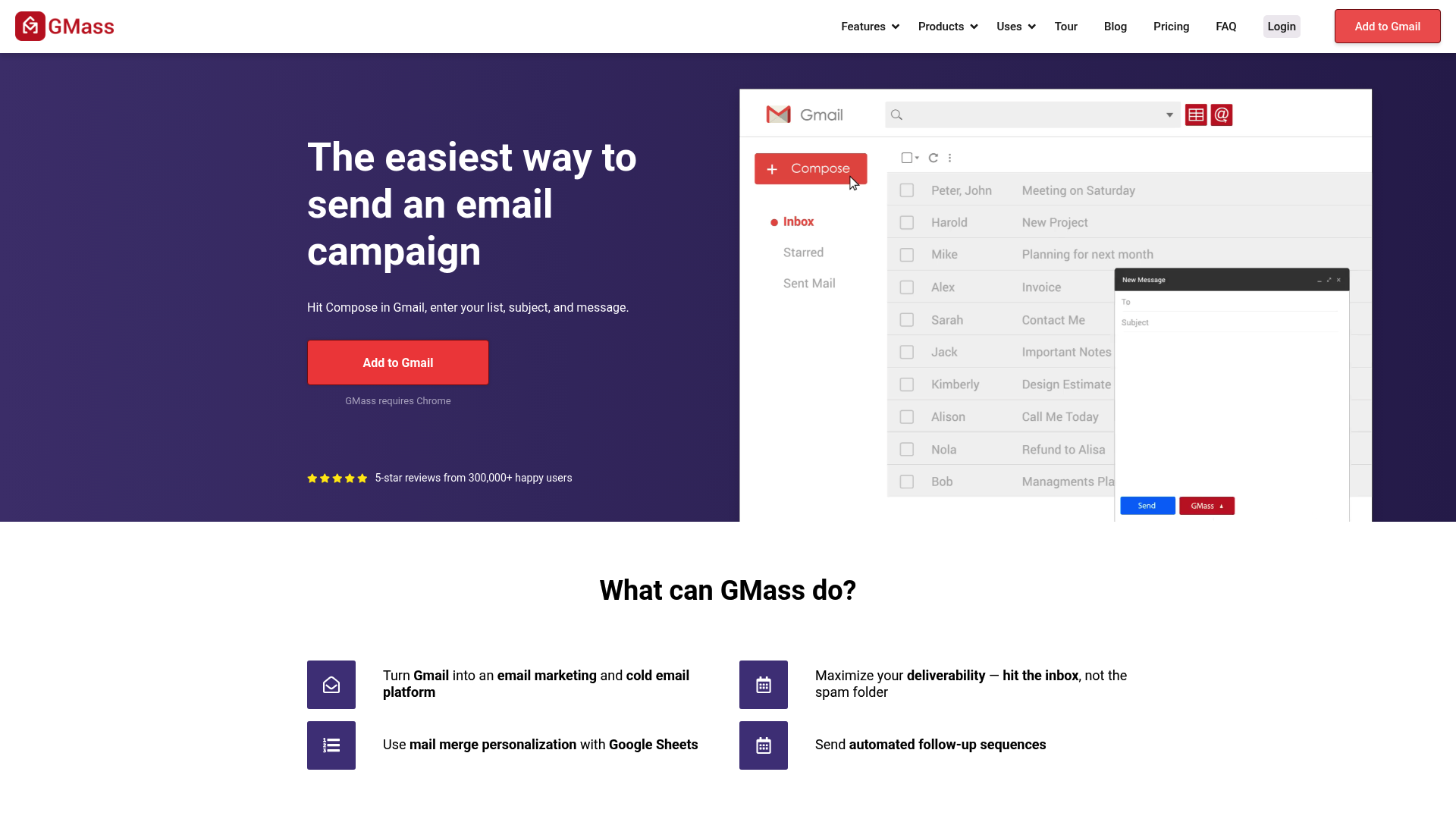
GMass is a powerful tool that transforms Gmail into a platform for mass emailing and mail merging. It stands out with its deep integration with Google Sheets and automated follow-ups directly in the Gmail inbox. Ideal for users who don't want complex dashboards but need to be mindful of Gmail limits and deliverability.
In 2026, GMass will remain one of the most popular extensions for Gmail users looking to scale outreach campaigns. The tool is intuitive but requires an understanding of Google's technical limitations.
Simply link a Google Sheet to send personalized campaigns to thousands of recipients.
Automatically send follow-up emails until the recipient replies or clicks.
Bypass Gmail limits by distributing emails across multiple accounts or external SMTP servers.
GMass offers different plans (Standard, Premium, Professional). New prices have been in effect since January 1, 2026. Compared to Mailchimp, GMass is often more cost-effective for pure Gmail outreach, but offers fewer design templates.


