

BoloForms SheetGod
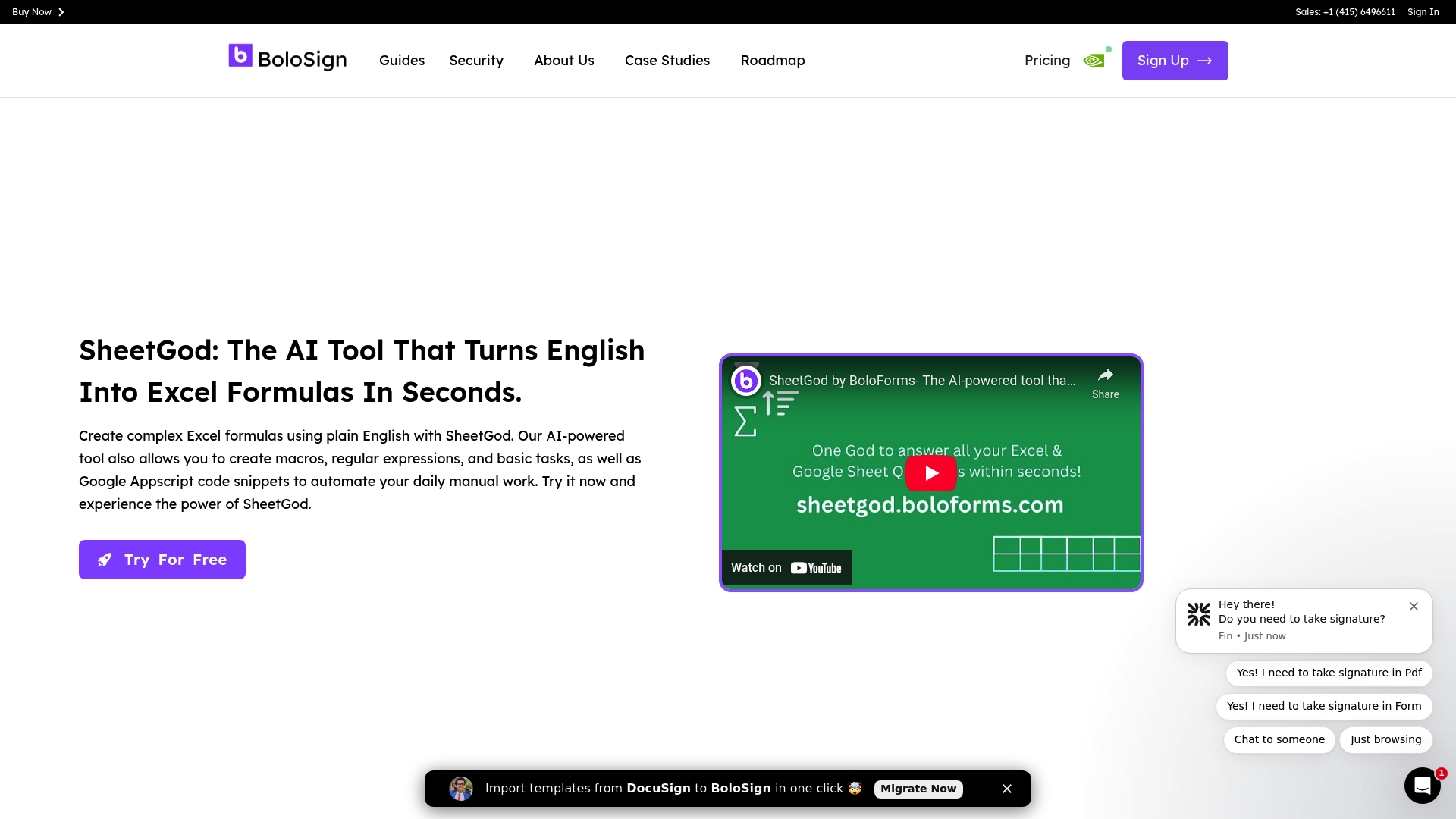
SheetGod solves complex Excel problems. AI converts English into formulas, macros & code, saving time and automating the process. Unique: AI language conversion for efficient spreadsheets.
Company snapshot
- Headcount
- 16 (2026-01-01)
- Followers
- 390 (2026-06-19)
Headcount growth
Based on LinkedIn data.
Facts
- Industry
- Desktop Computing Software Products
- Competitors
- FormulaBotSheetAIGPT for Sheets
- Customers
- Angel Fire, Harry Corry, G & H Transport
- Employees
- 16
- Followers
- 390
- Review created
- Last reviewed
BoloForms SheetGod Review 2026: The AI Revolution for Spreadsheets?
Key Feature Rating & Critique Ideal for AI-powered formula generation 4.2/5 - Strong in automation, some limited third-party reviews. Data Analysts & Marketers
Summary & Verdict
BoloForms SheetGod is a powerful AI tool that translates natural language into complex Excel formulas, AppScript, and VBA code. It's excellent for automating repetitive tasks and creating add-ons. While the time savings are enormous, businesses should carefully review the extensive permissions in Google Workspace. Overall, a worthwhile investment for power users who want to increase their productivity without in-depth programming knowledge.
Core AI Features
Natural Language to Formulas
SheetGod allows users to enter requirements in German or English, whereupon the AI generates the appropriate Excel or Google Sheets formula. This eliminates the tedious search for syntax details.
Automation with AppScript & VBA
Beyond simple formulas, the tool can generate complete code for Google AppScript and Excel VBA. This allows workflows such as the automatic sending of marketing emails or PDF creation directly from spreadsheets to be implemented.
Positive User Experiences
- "This add-on is easy to install and works fantastically. The dashboard has a clean user interface. The app is simple and easy to use."
- "SheetGod is a game-changer for anyone who works with Excel. I used to spend hours trying to find the right formulas, but now I simply describe what I want to do, and SheetGod does the rest."
- "I love how easy it is to automate tasks with SheetGod. The generated AppScript and VBA code is easy to understand and has saved me an enormous amount of time with large datasets."
Negative User Experiences & Criticism
- "All recipients, supervisors, and HR did not receive an email notification when a request was submitted." (Report on technical issues with notifications).
- "I didn't like that while their promise may be technically accurate, the software doesn't integrate with Google Sheets as seamlessly as expected." (Criticism of integration expectations).
- "This software has not yet been sufficiently independently reviewed." (Note the limited availability of third-party reviews on platforms like SourceForge).
Pricing & Competitive Comparison
SheetGod positions itself against competitors like Sheetgo or specialized AI chatbots. While many tools simply connect data, SheetGod's strength lies in code generation. Prices often include a free trial and a 30-day money-back guarantee, with special onboarding packages via Zoom offered for businesses.
Recent (last 90 days)
News & updates
No positive article found.
Company
BoloSign is a cloud-based eSignature tool that enhances user experience with seamless signature integration on forms and PDFs. Users can add signatures to documents by dragging and dropping elements and sending signature requests to multiple recipients. Use premade templates or customize your own for a personal touch. The software also provides features like real-time status updates, version control, customizable emails, and signing options such as drawing, uploading an image, or typing text. Manage all businesses under one single dashboard by creating multiple workspaces inside BoloForms. The Zapier and API integrations help connect to any desired app and can automate the workflow. Use API key generation and webhooks to share data between platforms. The form builder in BoloForms is easy to use. Create forms in different styles and themes to suit your brand. Map the responses to the PDF to populate it with the answers automatically once the form is filled. Create folders inside the dashboard to organize your files and processes. Share files and folders to collaborate with the team members. Enhance your experience with seamless integration using Google Drive and Google Sheets to manage the responses.
LinkedIn ↗