

Galileo AI
UI design is time-consuming and requires a lot of expertise. Galileo AI instantly generates high-quality UI designs and code from simple text prompts. The result: significantly faster app development.
stitch.withgoogle.com/ ↗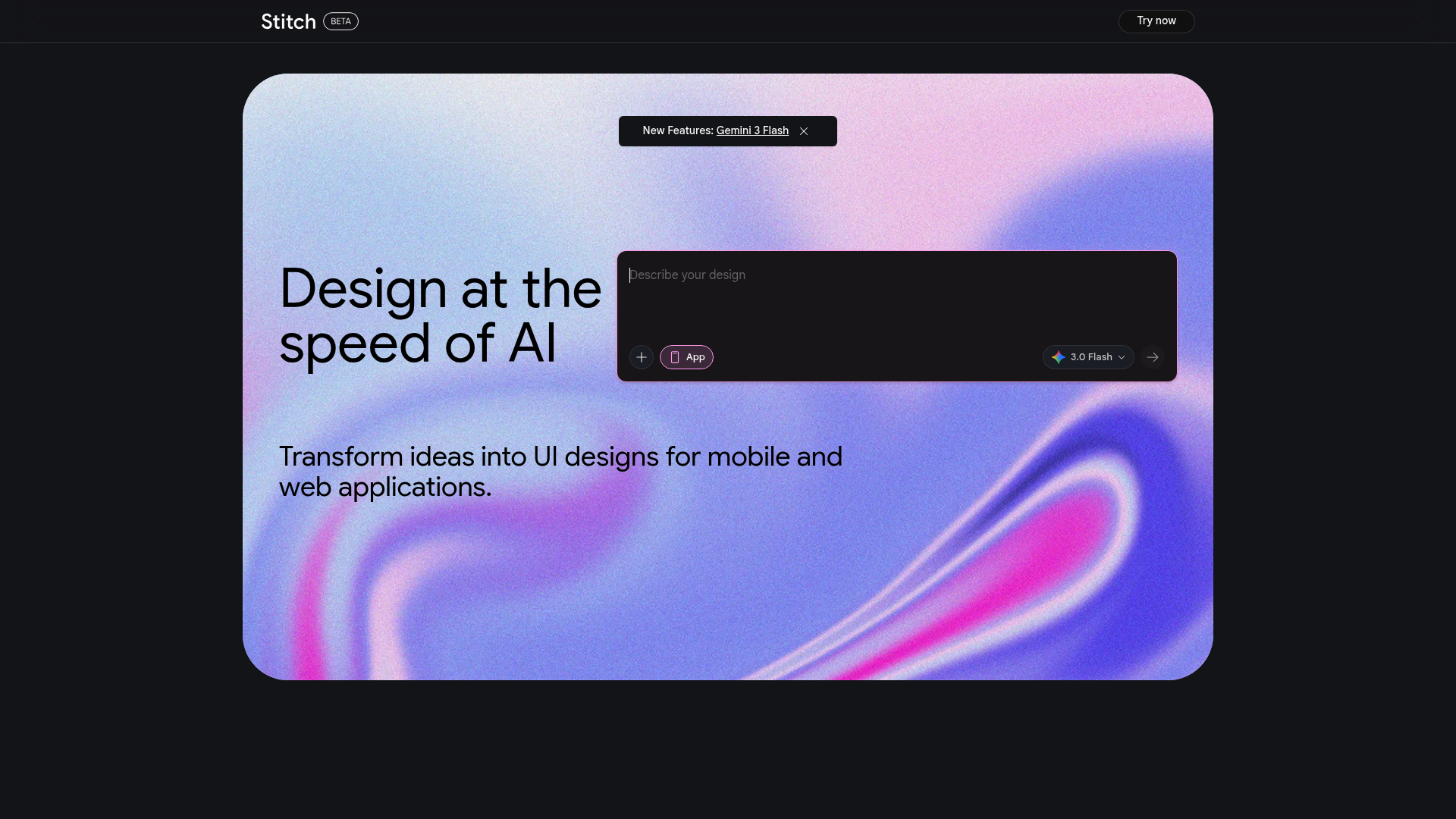
Galileo AI & Google Stitch Review 2026: The Revolution in UI Design?
Key Feature Rating & Critique Ideal for text-to-UI with Gemini integration 4.5/5 - Impressive speed, but detail work in Figma is needed. UX Designer & Product Manager
Introduction & The Verdict (TL;DR)
Galileo AI, now integrated into Google Stitch, is a groundbreaking tool that uses generative AI to create complete, editable UI designs from text prompts. It solves the 'blank page' problem and massively accelerates prototyping. The verdict in 2026: An indispensable tool for the early design phase, but one that requires human fine-tuning for complex logic.
The core problem: The bottleneck in interface design
Traditional UI design is time-consuming. Designers spend hours creating standard components, aligning layouts, and building responsive variants. For startups and rapid iterations, this process is often too slow. Galileo AI addresses this by bridging the gap between idea and visual design.
The solution: From Galileo AI to Google Stitch
Generative UI creation
The software uses advanced Gemini models to generate complex user interfaces for mobile and web. A simple prompt like 'Create a dashboard for a crypto wallet' delivers a high-resolution design in seconds, including matching icons and typography. Seamless Workflow Integration: A key advantage is the export to Figma. Designers receive editable vector data, not static images. This allows them to immediately integrate AI suggestions into existing design systems and refine them manually. Code Generation for Developers: Stitch goes beyond the visual and offers HTML and CSS export. This significantly improves the hand-off process between design and development, as the basic structure is already in place.
Core AI Features in 2026
Multimodal Inputs
Users can upload not only text, but also rough sketches or screenshots, which the AI then translates into modern, responsive layouts.
Responsive Design Automation
The AI automatically creates variants for different screen sizes, drastically reducing manual adjustments for mobile, tablet, and desktop.
Practical Use Cases 2026
- Rapid prototyping for MVPs (Minimum Viable Products).
- Creating design iterations during brainstorming sessions.
- Automating standard screens such as login, settings, or Profile Pages.
Pricing & Value Analysis in Comparison
Since its acquisition by Google, Stitch has been available as part of Google Labs under a generous free model. While Galileo AI previously cost up to $39, Stitch now offers up to 350 generations per month for free. Compared to competitors like v0.dev or Framer AI, Stitch scores particularly well due to its deep integration into the Google ecosystem and the quality of its Figma exports.
Conclusion: Results of Software Use
The result of using Galileo AI/Stitch is a significant time saving of up to 70% in the ideation phase. It is not a replacement for designers, but a powerful assistant that lowers the creative barrier and accelerates technical implementation.
At a glance
- Industry
- Software Development
- Competitors
- UizardFramerBubble
- Customers
- Magid, Twilio, Comcast
- Employees
- 8
- Followers
- 12,697
News & updates
Galileo AI has been named one of Fast Company’s Most Innovative Companies for 2024, ranking fourth in the healthcare category. This honor reflects their commitment to improving accessibility and affordability in healthcare, marked by a 29% growth in patients served and a new service for small businesses that gained traction rapidly. They also have enhanced care delivery methods, achieving high diagnostic accuracy and resolving many cases remotely.
Company
Galileo AI is redefining front-end development in the era of generative AI. Our state of the art model generates high-quality UI designs from a simple prompt - empowering anyone to design and build beyond imagination.
LinkedIn ↗