

GPT for work
Problem: Instructions cannot be scaled in large spreadsheets. Solution: Process AI tasks in bulk directly in Sheets/Excel (up to 1,000 cells/min, 1 million rows). Result: massive time savings.
gptforwork.com ↗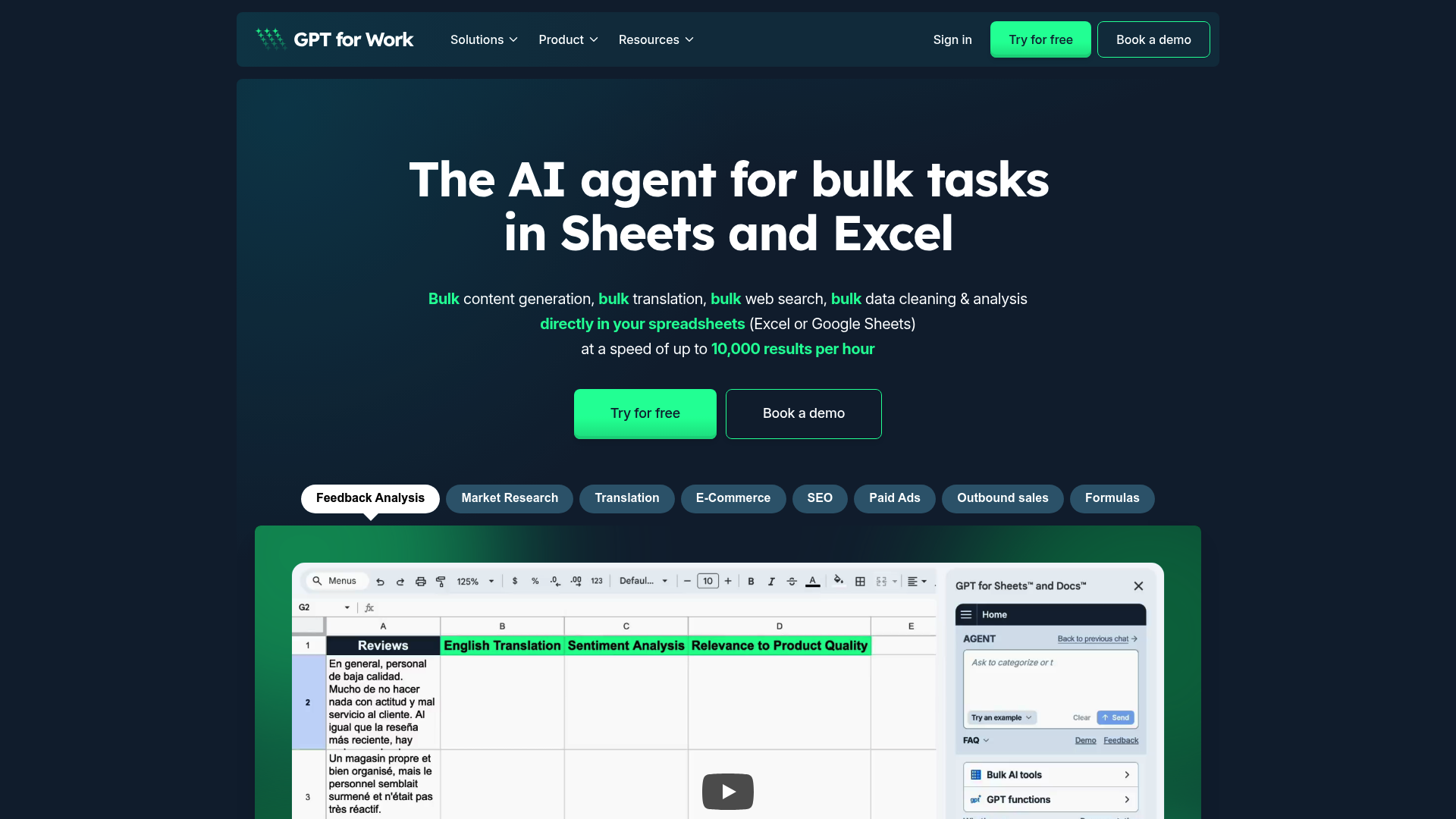
GPT for Work Review 2026: The Ultimate Solution for AI Bulk Processing?
Unique Feature Rating & Criticism Best suited for bulk processing of up to 1 million rows 4.9/5 stars (based on 7 million installations). Criticism: Complexity with BYO keys. Data analysts, SEO teams, and e-commerce managers
Introduction & Conclusion: GPT for Work to the Point
GPT for Work is a specialized add-on for Google Sheets, Docs, Excel, and Word that brings the power of LLMs directly to spreadsheets. Unlike standard chatbots, the focus here is on bulk data processing. It solves the problem of manual, repetitive data processing through automation on a large scale. The result is a massive time saving with maximum data security and scalability.
Core Features of the AI Software
Bulk Processing
- Processing of up to 1,000 cells per minute.
- Support for up to 1 million rows per run.
- Real-time job monitoring for large datasets.
Model Flexibility and Vision
- Free choice between different AI providers and models.
- Integration of vision models for analyzing image URLs directly in the table.
- Option to use your own API keys (Bring Your Own Key) for full cost control.
ISO 27001 certified and GDPR compliant.
Practical Use Cases 2026
In modern workflows, GPT for Work is primarily used where large amounts of text or data need to be transformed. Typical examples include the automatic creation of product descriptions for thousands of SKUs in e-commerce, the cleansing of CRM data, or the scaled analysis of customer feedback.
SEO and Content Creation
Marketing teams use the software to generate meta tags, descriptions, and blog drafts in series. Through integration with Google Sheets, keyword lists can be directly transformed into finished content.
Data Cleansing and Market Research
Analysts use GPT features to categorize unstructured data, detect languages, or perform sentiment analysis across massive feedback lists without leaving the familiar spreadsheet environment.
Pricing and Competitive Comparison
GPT for Work differs significantly from Microsoft Copilot or Google Gemini with its usage-based pricing model. While Copilot often requires expensive monthly subscriptions per user, GPT for Work offers prepaid packages (starting at approximately $29). This is particularly attractive for companies that only need to process large amounts of data occasionally.
Advantages over ChatGPT Plus
- No copy-paste: Direct processing in the source file.
- Scalability: ChatGPT is optimized for individual chats, GPT for Work for thousands of lines.
- Cost control: Pay only for tokens actually used.
At a glance
- Industry
- TechnologyInformation and Internet
- Customers
- Bernhard Martin Siegert, Simon Delafoy, Kevin M. Krüger
- Followers
- 290
News & updates
The article discusses the milestones achieved by GPT for Work in 2024, highlighting user satisfaction and new feature implementations that significantly improved user experience and productivity, showcasing the company's commitment to innovation.
Company
Like ChatGPT? Imagine using it in bulk in Google Sheets or Microsoft Excel and Word! Make ChatGPT and other AIs write, rephrase, translate, categorize, extract, reformat, summarize, do research… 1000x faster than you could. Popular use cases for Excel and Sheets: Translate to bulk Create SEO content or ads copy at scale Clean and categorize your PIM or CRM Analyze survey results or customer feedback Review / Score a list of leads or candidates Automate market research Why use GPT for Work? Stop copying/pasting to and from ChatGPT Run up to 1000 prompts per minute Large model choice: GPT-4o, Claude 3.5 Sonnet, Gemini... No API key required Privacy and security: Talarian is ISO 27001 certified and GDPR compliant We do not use your content to train models Bring your own API key for enhanced privacy Learn more: Website: https://gptforwork.com Get started: https://gptforwork.com/help/quickstart-for-spreadsheets Help: https://gptforwork.com/help
LinkedIn ↗