

SheetAI
Problem: Manual text analysis in Google Sheets. Solution: AI functions automate tasks directly in spreadsheets. Result: Time savings; ~139k installs, 4.5 stars.
www.sheetai.app/ ↗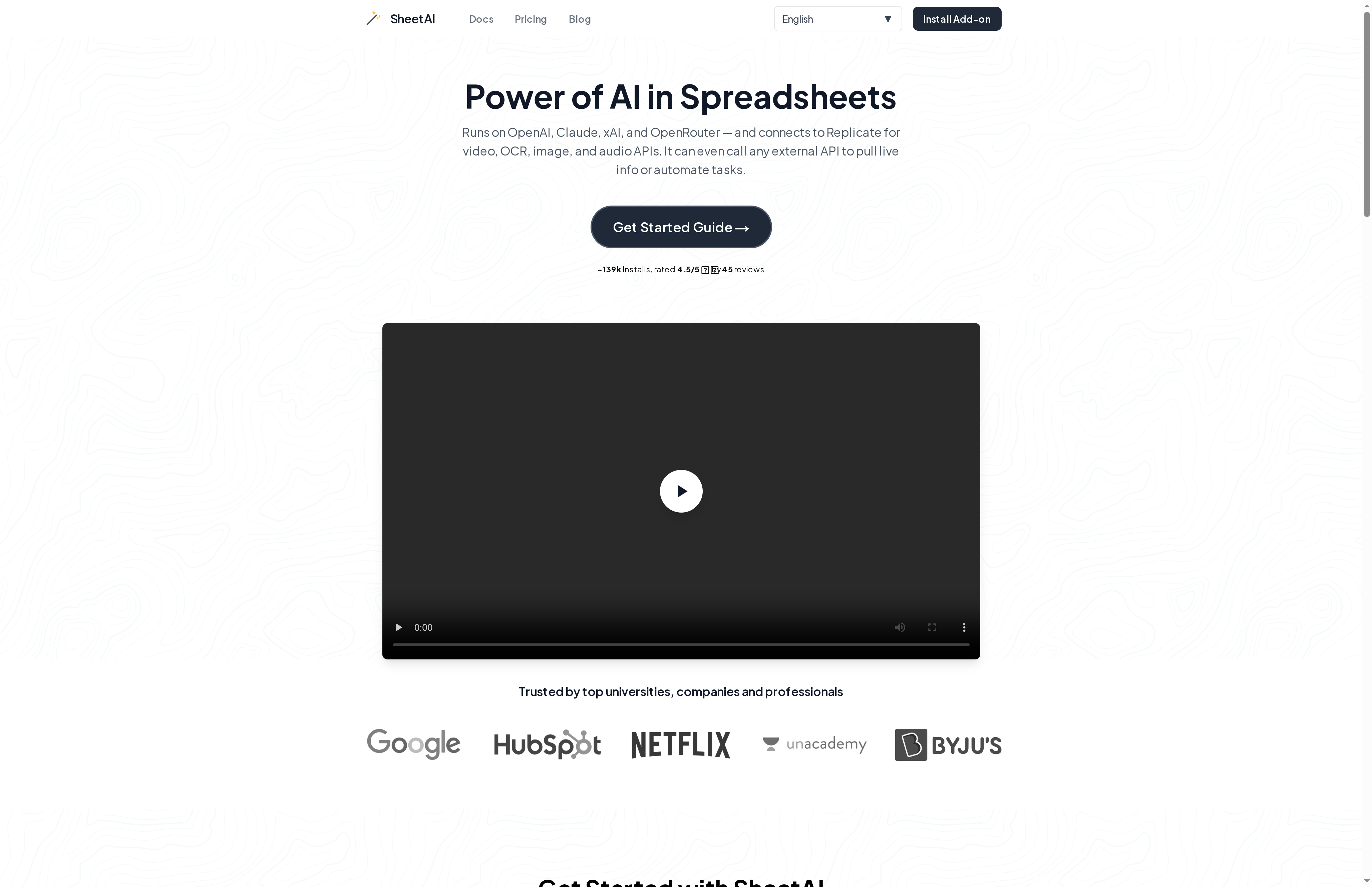
SheetAI Review 2026: The AI Revolution for Google Sheets Put to the Test
Special Feature Rating & Criticism Ideal for Direct Integration of OpenAI, Claude & xAI 4.5/5 stars (based on ~139k installations). Criticism: Often requires its own API key for full control. Data Analysts & Marketers
Introduction & Conclusion
SheetAI is a powerful add-on for Google Sheets that integrates artificial intelligence directly into spreadsheets. It solves the problem of time-consuming, manual data processing through simple text commands. In 2026, it remains a leading solution for users who want to automate complex analyses without programming knowledge. The conclusion: An indispensable tool for efficiency enthusiasts.
The core problem: Manual data desert
Many companies face the challenge of manually sorting, summarizing, or translating huge amounts of text data in Google Sheets. This repetitive work is error-prone and ties up valuable resources.
The solution: SheetAI as an intelligent assistant
SheetAI injects the power of models like GPT-4, Claude, and xAI directly into the cells. Instead of writing complex formulas, users use natural language to delegate tasks.
Central Functions
- =SHEETAI: The universal function for natural language questions.
- SHEETAI_FILL: Automated data filling based on examples.
- SHEETAI_TABLE: Generates entire table structures from a short description.
- SHEETAI_LIST: Creates lists (e.g., blog ideas or product names) directly in the column.
The result: Productivity at the touch of a button
Users report massive time savings. By linking to external APIs (via Replicate or OpenRouter), images can even be generated or OCR tasks performed within the table. The result is a transformation of static tables into dynamic AI workflows. Use Cases in 2026: Content Marketing: Creating hundreds of meta descriptions and headlines in seconds. Data Cleansing: Automatically formatting and categorizing unstructured customer feedback. Market Research: Summarizing trends and competitive analyses directly in the workbook. Pricing & Value Analysis
SheetAI offers a flexible pricing model that appeals to both casual users and businesses:
- Unlimited Monthly ($20/month): Unlimited function calls when using your own OpenAI key.
- Token Packs: Starting at $29 for users who don't want to maintain their own subscriptions with AI providers.
- Domain License ($299/year): Ideal for teams of up to 20 people.
Compared to competitors, SheetAI stands out due to its support for multiple models (Claude, xAI) and its transparent caching function, which avoids unnecessary API costs.
At a glance
- Industry
- Software Development
- Competitors
- Rows.comNumerous.aiBardeen
- Customers
- Not found
- Employees
- 401
- Followers
- 13,597
News & updates
Anna Mae Yu Lamentillo was recognized for her significant contributions to AI with the prestigious She Shapes AI Award, highlighting her innovative work at NightOwlGPT and her impact on the AI learning community.
Company
Create forms for all purposes in seconds and easily share or embed them into your website. Without knowing how to code, and for free.
LinkedIn ↗