

Visualping
Missing changes on websites? Visualping monitors visually with screenshots + AI filter and sends highlighted alerts — instantly, accurately, without any setup effort.
visualping.io/ ↗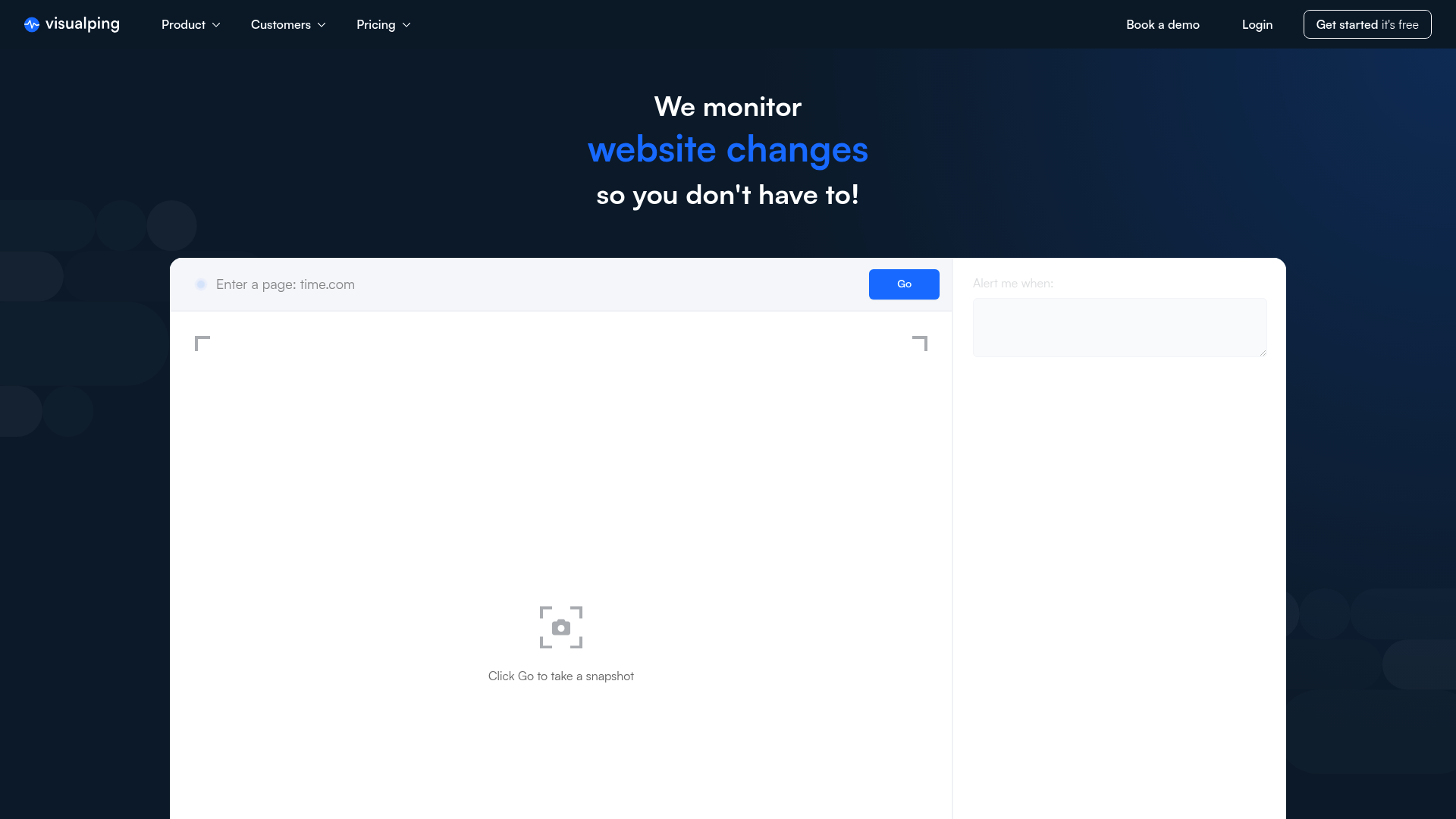
Visualping Review 2026: The Ultimate Solution for Website Monitoring?
- Unique Feature: AI-Powered Summaries of Visual Changes
- Rating: 4.8/5 - Market Leader in Ease of Use
- Ideal for: Competitive Intelligence and Regulatory Monitoring
Introduction & Conclusion
Visualping is a leading website monitoring automation tool that helps over 2 million users worldwide detect changes to websites in real time. It solves the problem of manually checking competitor sites or regulatory updates. With an intuitive user interface and precise visual alerts, it offers an efficient solution for businesses of all sizes to secure an information advantage.
The core problem: Information overload and manual effort
In today's digital world, information on websites changes every second. Whether it's price changes at the competition, new legal regulations, or product availability – those who check manually lose valuable time and risk missing critical updates. Visualping addresses precisely this inefficiency through automation.
The solution: How Visualping works
Visual area selection
Unlike complex scrapers, Visualping allows you to easily select an area on a website with a mouse click. The system regularly creates screenshots and compares them at the pixel level.
AI summaries
New in 2026 are the AI-powered summaries. Instead of just sending a screenshot, the AI explains in context exactly what has changed, significantly increasing the relevance of the information. Practical Use Cases: Competitive Monitoring: Monitoring of competitors' landing pages and price lists. Compliance: Automatic notification of changes in legal texts or guidelines. Marketing: Tracking of SEO changes and SERP updates. Step-by-Step Instructions: Enter the URL of the page to be monitored. Select the relevant area (e.g., price list) using the selection tool. Set the check interval (hourly, daily, etc.).
Comparison with competitors
Visualping vs. Distill.io
While Distill.io often runs locally in the browser and requires technical knowledge of DOM selectors, Visualping scores points with its cloud-based architecture and no-code operation.
Visualping vs. ChangeTower
ChangeTower offers deeper insights into code changes but is more complex to set up than Visualping's visual approach.
Price-performance analysis
Visualping uses a freemium model. Free accounts are sufficient for casual users, while enterprise plans offer high scan frequencies and API access. Compared to specialized enterprise monitoring tools, Visualping remains attractively priced for SMEs. Advantages and Disadvantages: Extremely easy setup, excellent visual representation, strong integrations (Zapier). Disadvantages: Purely visual monitoring can sometimes trigger false alarms with dynamic JavaScript content. Structured Data (Schema): JSON-LD Schema: {"@context": "https://schema.org/", "@type": "SoftwareApplication", "name": "Visualping", "operatingSystem": "Web-based", "applicationCategory": "BusinessApplication", "aggregateRating": {"@type": "AggregateRating", "ratingValue": "4.8", "reviewCount": "2000000"}, "offers": {"@type": "Offer", "price": "0", "priceCurrency": "USD"}}
At a glance
- Industry
- Information Services
- Competitors
- Distill Web MonitorChangeTowerWachete
- Customers
- PeakMade, InstaTrac, Direct TV Parts
- Employees
- 35
- Followers
- 14,336
News & updates
Visualping received commendation in G2's annual Best Software Awards, being ranked 23rd in Best Content Management Software and 34th among Best Canadian Software Companies. The CEO praised the recognition, reflecting their commitment to high-quality products and customer satisfaction, further establishing Visualping's standing in the software industry.
Company
Visualping is the best tool for monitoring website changes. Just enter the URL you want to monitor and select an area - we'll notify you when a change is detected. Visualping has hundreds of potential use cases. Your business can use Visualping for competitive intelligence, regulatory intelligence, compliance management, website QA and regression detection, and so much more. You can even use Visualping in your personal life to keep an eye on job opportunities, out-of-stock products, prices, appointments, news, and social media profiles. More than 2 million users from 165 countries and 85% of Fortune 500 companies use Visualping. Try it for yourself at visualping.io
LinkedIn ↗