

Aqua Voice
Aqua Voice replaces tedious typing with AI-powered real-time transcription: Speak naturally while AI perfects your text. The result: 5x faster, more accurate writing.
Company snapshot
- Headcount
- 4 (2026-01-01)
- Followers
- 1,070 (2026-06-19)
- HQ
- San Francisco, CA, United States
Headcount growth
Based on LinkedIn data.
Facts
- Industry
- TechnologyInformation and Internet
- Competitors
- Otter.aiDescriptWispr Flow
- Customers
- No customers found
- Employees
- 4
- Followers
- 1,070
- Review created
- Last reviewed
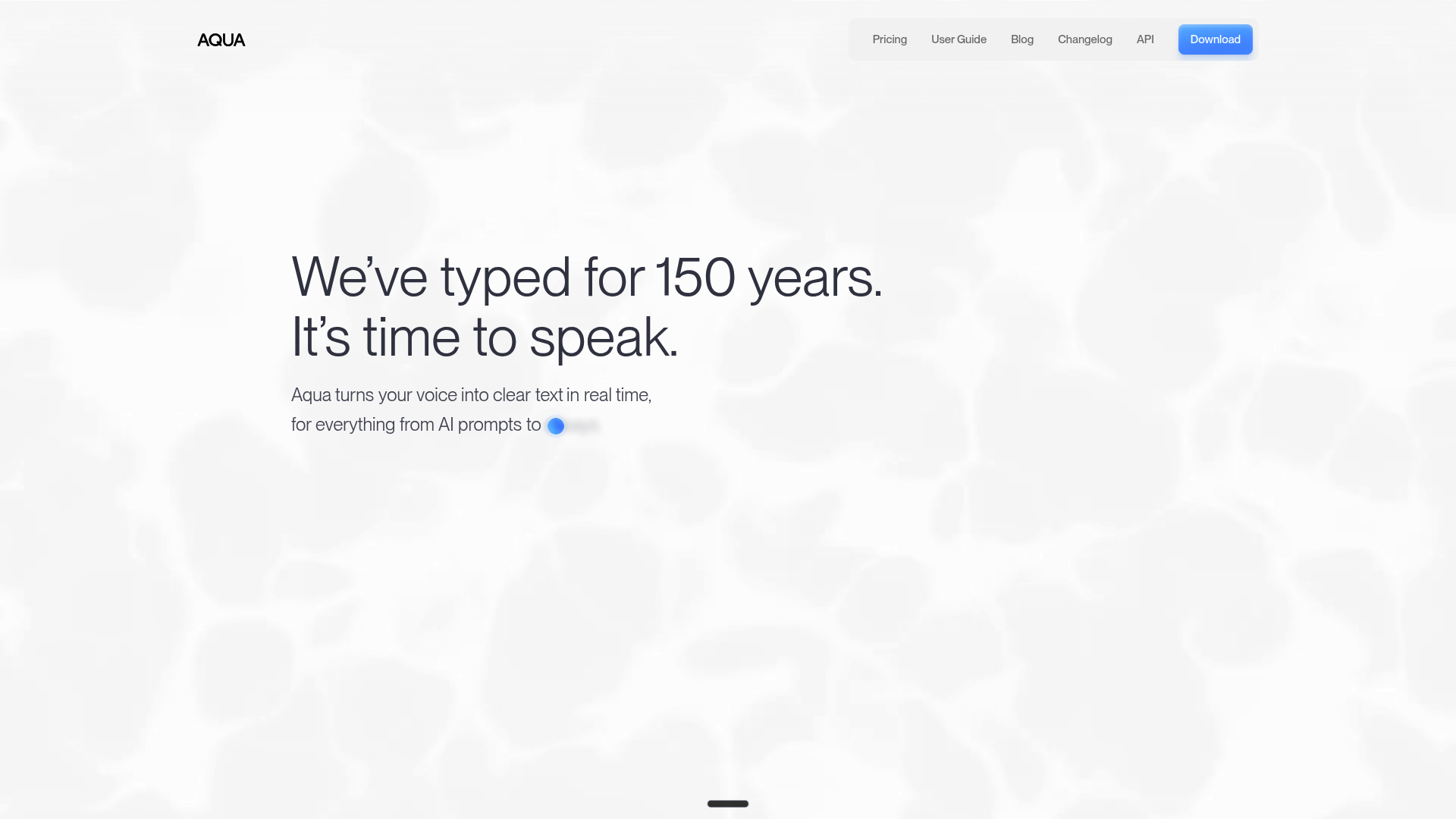
Aqua Voice Review 2026: The Fastest AI Dictation Solution for Professionals?
Special Feature Rating & Critique Best suited for Avalon ASR model (under 50ms latency) 4.5/5 stars - Extremely fast, occasional technical term errors Developers, prolific writers & power users
Introduction & Conclusion
Aqua Voice is an ultra-fast AI dictation app for Windows and Mac that inserts text into any field in real time. With a startup time of under 50ms and the specialized Avalon model, it sets new standards in speed. For users who prioritize efficiency above all else, Aqua Voice 2026 is the leading choice, although the hardware requirements and occasional bugs with technical terminology should be taken into consideration.
Core AI Features
Avalon ASR Model
At the heart of Aqua Voice is the Avalon model, which is specifically optimized for technical language and developer workflows. According to the manufacturer, it achieves an accuracy of over 97% in AISpeak benchmarks.
Real-time Streaming
Unlike conventional tools, the text is streamed as you speak and inserted almost instantly (approx. 450ms) into applications such as Cursor, Slack, or the terminal.
Privacy & Local History
Aqua Voice values privacy: The transcription history is stored locally and not on the provider's servers.
User Reviews: Pros and Cons
Positive Feedback
- Speed: Users praise the almost instantaneous response. One user reports: "It feels like thinking directly into the computer, without the delay you get with Siri or standard dictation." Developer Focus: The recognition of code terms like 'kubectl' or 'PyTorch' is highlighted as significantly superior to the competition. Integration: The ability to dictate into any text field – including terminals – is described as a game-changer for productivity. Negative Voices: Resource Consumption: Some users report high CPU usage during use, which can lead to performance degradation, especially on older laptops. Stability: In early versions (v0.10) Occasional crashes and case sensitivity errors were reported, which are improved by updates but are still present. Offline Mode: The lack of full offline functionality for enterprise environments with strict security requirements is criticized. Pricing & Value AnalysisAqua Voice offers a three-tiered model:
- Starter: Free for the first 1,000 words.
- Pro: $8 per month (billed annually) for unlimited words and access to the Avalon model.
- Team: $12 per month per user with centralized management and enhanced privacy controls.
News & updates
The article highlights Aqua Voice AI's ability to enhance productivity, facilitate collaboration, and make content creation more accessible, showcasing its innovation and market potential.
Company
Aqua is fast AI dictation for your desktop that lets you talk into any text field -- Cursor, Gmail, Slack, even your terminal. It starts up in under 50ms, inserts text as fast as 450ms, and has state-of-the-art accuracy. Write 4x faster anywhere with Aqua. It's available for Mac and Windows. --- For over a decade, I've been chasing a dream that never quite worked - using your voice instead of your keyboard. It's always been awkward, clunky, and just not actually better than typing. Siri is a complete joke, and a lot of well-meaning alternatives (I've tried them all) don't actually transform where you can use your voice. Aqua lives on your desktop, and it lets you talk into any text field -- Cursor, Gmail, Slack, even your terminal. It does a lot more, but that's the core. (Written with Aqua)
LinkedIn ↗