

Briskine
Briskine solves repetitive email typing: Browser extension with text templates, shortcuts, variables and team sync — saves time and ensures consistent replies.
Company snapshot
- Headcount
- 2 (2026-08-13)
- Followers
- 211 (2026-08-13)
- HQ
- Târgu Mureș, Romania
Headcount growth
Based on LinkedIn data.
Facts
- Industry
- Software Development
- Competitors
- TextExpanderPhraseExpressMixmax
- Customers
- Gymglish
- Employees
- 2
- Followers
- 211
- Review created
- Last reviewed
Briskine Review 2026: Efficient Text Snippets for the Browser Put to the Test
- Unique Feature: Cross-platform "Bubble UI" for quick access to templates.
- Rating: 4.5/5 – Excellent for support and sales teams that work exclusively on the web.
- Ideal for: Customer service, sales, and freelancers with high email volumes.
Introduction & Conclusion
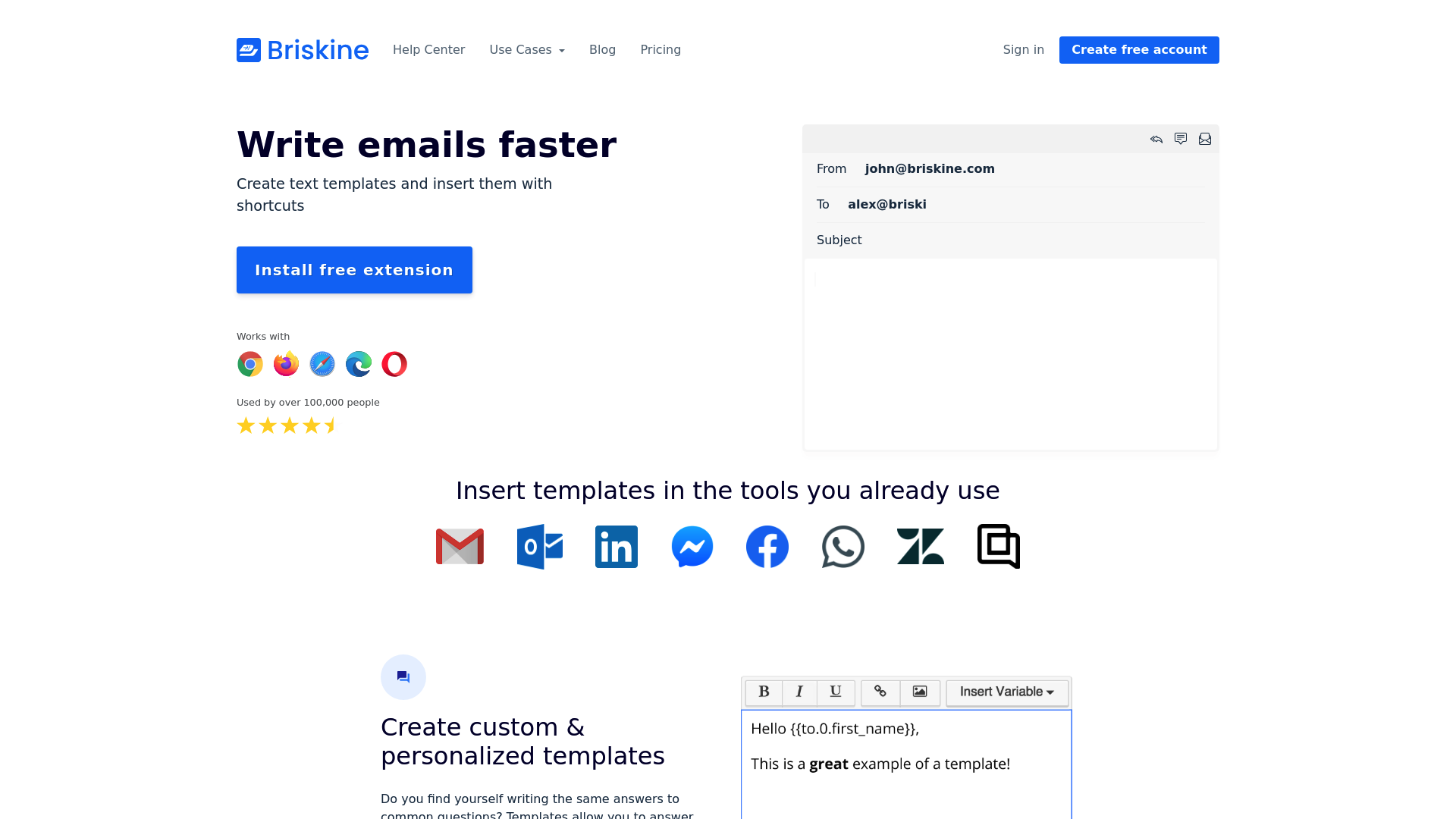
Briskine is a specialized text expander solution that, as a browser extension, solves the problem of repetitive typing. By inserting templates using shortcuts or an intuitive user interface, the software saves a significant amount of time in daily communication across Gmail, LinkedIn, or CRM systems. It's the ideal choice for teams seeking consistency without complex software installations. Core Features of Briskine: Smart Text Templates and Shortcuts: At the heart of Briskine is the creation of text snippets linked to simple keyboard shortcuts. Users simply type a shortcut and press the Tab key, and Briskine instantly inserts the predefined text. This works seamlessly in almost any text field in the browser. The Briskine Bubble UI: One of the latest innovations is the "Bubble," a small, unobtrusive button that appears over text fields. With one click, a dialog box opens where templates can be searched and selected. This is especially helpful if you can't remember all the keyboard shortcuts. Personalization through variables: Briskine supports rich text, images, and attachments. Custom variables (e.g., {{to.first_name}}) are particularly valuable for sales, allowing messages to be personalized and individual despite automation. Team synchronization and administration: Briskine offers features for sharing and synchronizing templates for businesses. This ensures that the entire team is working with the latest messaging standards. Recently, it has also become possible to assign multiple administrators to make team management and subscriptions more flexible. Practical Use Cases 2026 Customer Support on a Growth Trajectory Support teams use Briskine to maintain the quality of their responses even with increasing ticket volumes. Standardized answers to frequently asked questions can be inserted in seconds, drastically reducing response time. Efficient Sales Outreach Sales representatives use the software on platforms like LinkedIn or Gmail to send personalized sales messages. The combination of speed and individualized messaging through variables increases conversion rates. Price-Performance Analysis and Competition Briskine positions itself as a lightweight alternative to heavyweights like TextExpander or PhraseExpress. While competitors often require system-wide installations, Briskine scores points by specializing in browsers (Chrome, Firefox, Safari, Edge, Opera). Pricing is geared towards teams, with a free basic version for individual users to get started. Compared to tools like Gorgias Templates, Briskine offers broader compatibility across different websites.
News & updates
#VALUE!
Company
Briskine is a text expander for the web. Stop typing the same message over and over again, or copy-pasting your replies. Create text templates for frequently used phrases or blocks of text and insert them with quick shortcuts. Works everywhere you work (LinkedIn, Gmail, Outlook.com, or any other website), and supports rich text, images, attachments, and more.
LinkedIn ↗