

Browse
Browse.ai makes web scraping possible without code: AI robots convert websites into structured data in minutes – for simple, scalable data extraction without programming effort.
Company snapshot
- Headcount
- 30 (2026-01-01)
- Followers
- 4,091 (2026-06-19)
- HQ
- Vancouver, British Columbia, Canada
Headcount growth
Based on LinkedIn data.
Facts
- Industry
- Software Development
- Competitors
- ApifyOctoparseZyte
- Customers
- E-Commerce, Real Estate, Recruitment, Legal, Lead Generation, Health Care, Investors.
- Employees
- 30
- Followers
- 4,091
- Review created
- Last reviewed
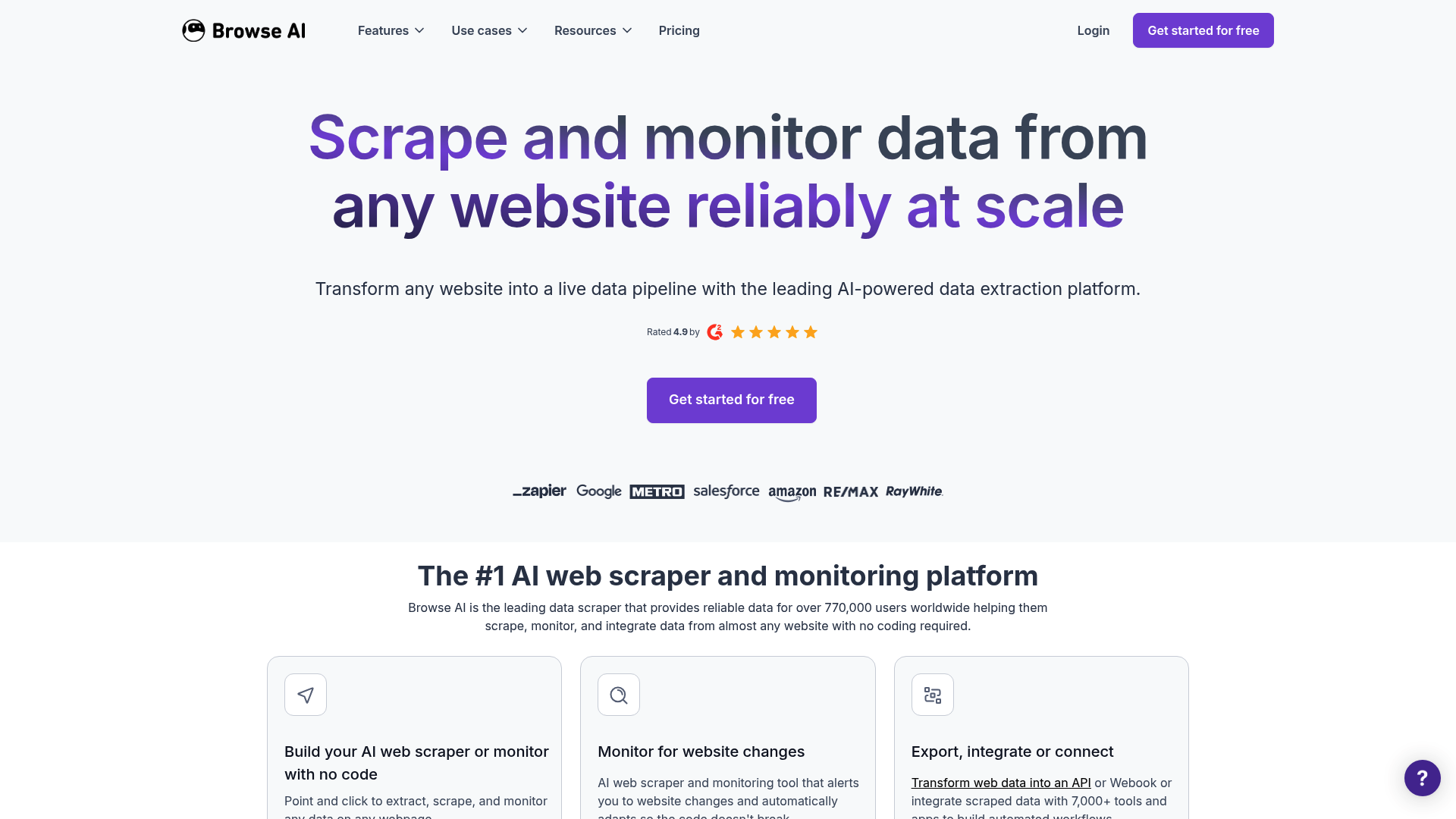
Browse.ai Review 2026: The Ultimate Solution for No-Code Web Scraping?
- Unique Feature: AI-powered adaptive robots that automatically adjust to website changes.
- Rating: 4.8/5 – Excellent usability, but expensive at high volumes.
- Best for: Market research, e-commerce monitoring, and lead generation without programming skills.
Summary & Verdict
Browse.ai is a leading no-code platform that automates the extraction and monitoring of web data using AI-powered robots. The software solves the major problem of complex scraper programming and constant maintenance when websites change. With an intuitive browser extension and over 200 pre-built templates, it offers a highly efficient solution for businesses that need structured data in real time without having to build their own IT infrastructure.
Core Features of the AI Technology
Point-and-Click Robot Training
At the heart of Browse.ai is the browser extension, which allows users to easily "record" actions on a website. The AI automatically recognizes lists, tables, and pagination without requiring a single line of code.
AI-Powered Change Detection
Unlike traditional scrapers, which fail at the slightest design changes to a website, Browse.ai uses adaptive algorithms. The robots recognize structural adjustments and adapt autonomously, drastically reducing maintenance costs.
Automated CAPTCHA Solution & Bot Avoidance
The platform has integrated mechanisms to bypass bot protection measures. Through the simulation of human behavior, rotating residence proxies, and an automatic CAPTCHA solution (reCAPTCHA, hCAPTCHA), data flow remains stable even on protected pages.
Practical Use Cases 2026
In the modern data economy, Browse.ai is used for dynamic price monitoring in e-commerce, the aggregation of job postings, and the training of Large Language Models (LLMs). Companies use S3 integration to mirror millions of rows of data directly into their cloud infrastructure. Step-by-Step Instructions: Install the Browse.ai browser extension. Navigate to the target website and select "Record New Robot". Select the data fields you want to extract. Define a monitoring schedule (e.g., every 5 minutes). Connect the results to Google Sheets, Airtable, or an API. Price and Value Analysis vs. Competitors: Browse.ai uses a credit system. One credit corresponds to approximately 10 rows of data or one screenshot. While the basic plan is free (50 credits/month), professional plans start at approximately $19 to $69 per month with annual billing. Comparison with competitors: Apify: More powerful for developers, but significantly more complex to set up than Browse.ai. Octoparse: Offers highly flexible desktop software, but doesn't achieve the intuitive AI customization of Browse.ai. Diffbot: Excellent for unstructured data through knowledge graphs, but often more expensive for SMEs. Pros and cons: Pros: Extremely fast setup in under 2 minutes. No programming skills required. SOC 2 and GDPR-compliant security standards. Seamless integration with over 7,000 apps via Zapier and Make. Disadvantages: Credit costs can scale with very large datasets (millions of rows). Limited functionality for extremely complex web apps that require deep interactions. Conclusion: Browse.ai is the first choice for teams that prioritize agility over technical complexity. The combination of AI maintenance and a no-code interface makes it the most efficient tool for modern web monitoring in 2026.
News & updates
In 2023, Browse.ai expanded its team, secured substantial funding, became profitable, and was recognized in a notable competition. The company also achieved SOC 2 Type 2 certification, demonstrating its commitment to data security and quality service.
Company
We're creating the easiest way to scrape and monitor any website with no code. Our mission is to give every individual and business equal opportunity to benefit from information on the internet.
LinkedIn ↗