

Copper
Traditional CRMs disrupt workflows. Copper integrates directly with Google Workspace, automates administrative tasks, and thus increases efficiency and customer loyalty.
Company snapshot
- Headcount
- 296 (2026-01-01)
- Followers
- 24,770 (2026-06-19)
- HQ
- San Francisco, CA, United States
Headcount growth
Based on LinkedIn data.
Facts
- Industry
- Software Development
- Competitors
- HubSpotPipedriveSalesforce
- Customers
- PrizePicks (United States), Innova Wealth Partners (Canada), Athena AG (United States)
- Employees
- 296
- Followers
- 24,770
- Review created
- Last reviewed
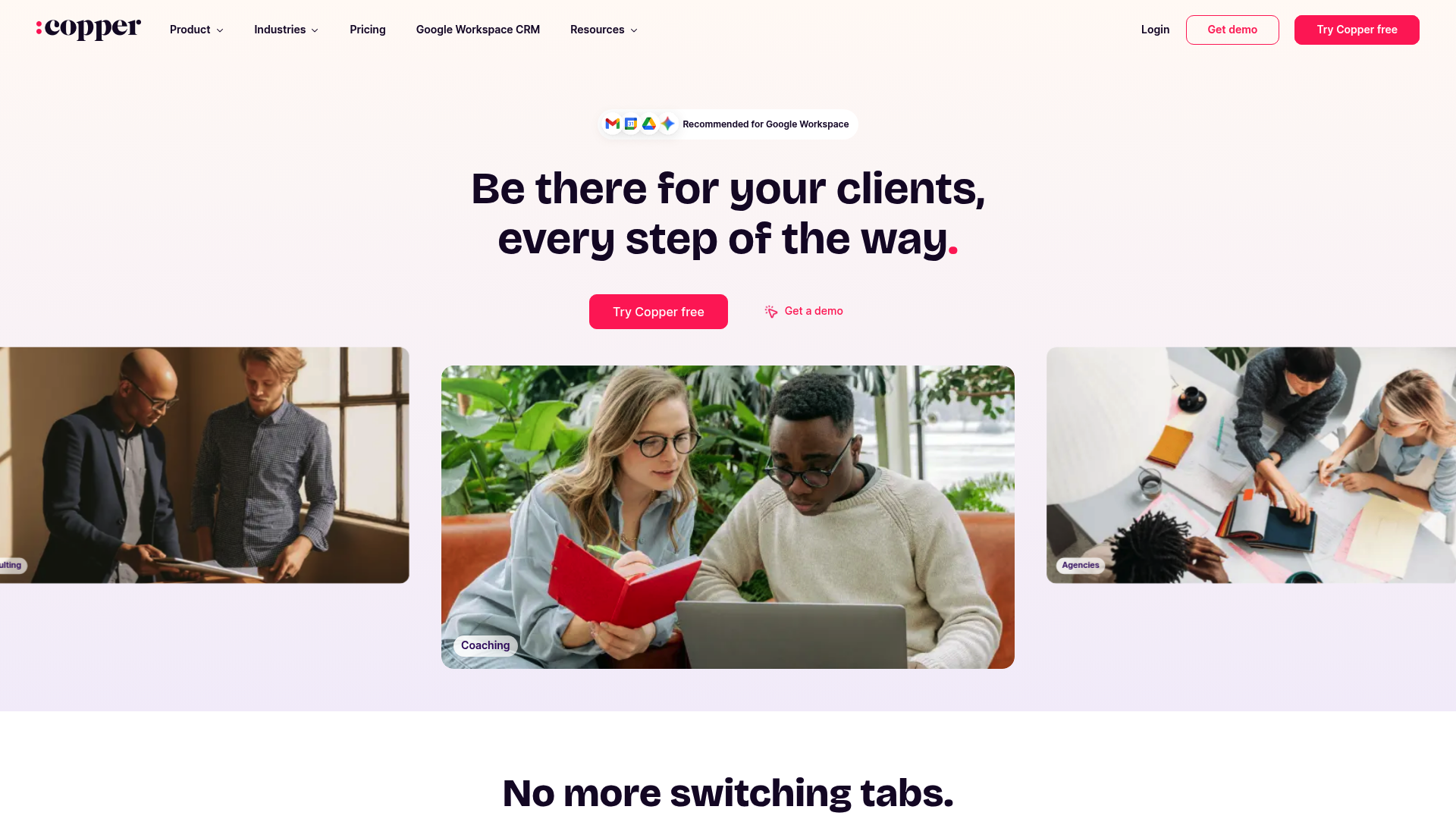
Copper CRM Review 2026: The Ultimate Google Workspace CRM Solution Put to the Test
- Unique Feature: Native Google Workspace Integration (Gmail, Calendar, Drive)
- Rating & Critique: 4.4/5 stars; praised for ease of use, criticized for limited automation in basic plans
- Best for: SMEs and agency-based teams that primarily work in Google Workspace
Summary & Verdict: Is Copper the Right Choice in 2026?
Copper CRM remains the top choice in 2026 for companies deeply embedded in the Google ecosystem. The software solves the main problem of constant tab switching and manual data entry by operating directly within Gmail and Google Calendar. With an average rating of 4.4 stars, Copper offers an intuitive user interface that maximizes team adoption, but it reaches its limits with highly complex enterprise workflows. The core problem: CRM friction and data chaos. Many sales teams spend more time managing their CRM system than actually selling. The main problem Copper addresses is 'CRM friction'. Traditional systems force users to switch back and forth between their inbox and a separate CRM platform. This often leads to outdated data or missed important follow-ups.
The solution: A CRM that lives where you work
Copper offers seamless integration, allowing you to manage contacts, update deals, and create tasks without leaving Gmail. The Chrome extension even integrates LinkedIn profiles directly into the CRM, significantly accelerating lead generation.
Seamless Google Workspace Integration
Copper is the only CRM solution officially recommended by Google. It appears directly in Gmail, Calendar, and Google Drive. Documents can be designed directly from Google Docs and linked to tools like PandaDoc or DocuSign.
Automated workflows and pipelines
With drag-and-drop pipelines and AI-powered alerts, teams always stay on top of their sales opportunities. Routine tasks such as logging emails and meetings are performed automatically in the background.
LinkedIn Integration via Chrome Extension
Users can add contacts directly from LinkedIn, find business email addresses, and update records without leaving the LinkedIn page.
Practical Use Cases for 2026
- Agency Management: Tracking client projects from the initial inquiry in Gmail to project completion in Google Drive.
- Service Provider Relationship Management: Automated tracking of interactions to ensure no important contact is overlooked.
- Sales Team Scaling: Rapid onboarding of new employees through the familiar Google interface.
Copper uses a per-user pricing model with different tiers. Prices start at around $23 per month (billed annually) for the basic plan, while the professional plan is often around $59. Compared to HubSpot or Salesforce, Copper offers less complex enterprise features, but scores points with significantly lower implementation costs and a faster return on investment. Advantages (Pros) Outstanding integration with Google Workspace High user adoption through intuitive UI Automated data collection saves time Powerful mobile app for field staff Disadvantages (Cons) Limited scalability for very large corporations Reporting features limited in lower plans Pricing can appear aggressive when scaling API limitations for complex third-party integrations Step-by-Step Onboarding: Register for the free 14-day trial at copper.com. Install the Copper Chrome extension for Gmail and LinkedIn. Synchronize your Google Workspace account (contacts and calendar). Define your individual sales pipelines. Invite your team and start automated activity tracking. Conclusion: Is Copper Worth It in 2026? For companies that use Google Workspace as their primary work tool, Copper remains unbeatable. The time saved by eliminating manual data entry justifies the cost for most SMEs. However, those who need highly specialized automations or in-depth enterprise reporting should consider more specialized solutions. However, for relationship-oriented sales, Copper is the most efficient tool on the market.
Recent (last 90 days)
News
- Star Copper begins 2026 drill campaign and raises ~$4.5 million from warrant exercisesStar Copper Corp. via company news release · 2026-06-02
- Copper publishes CRM guidance on preventing lead drop-offCopper CRM · 2026-06-01
- No significant third-party coverage surfaced for Copper CRM in the last 90 daysNo reliable recent coverage found · 2026-06-19
News & updates
Copper wins ‘Digital Asset Innovation’ accolade for its achievements in the digital asset custody sector, highlighting its commitment to innovation and serving institutional investor needs.
Company
Copper is the only client and project management tool that's a Recommended for Google Workspace app. Copper appears directly in Gmail, Calendar and Drive, so you never have to switch tabs to add contacts, track conversations, find files or manage tasks. Copper helps you manage your entire client journey, from adding new prospects, closing new deals, transitioning to project delivery and beyond.
LinkedIn ↗