

Data Miner
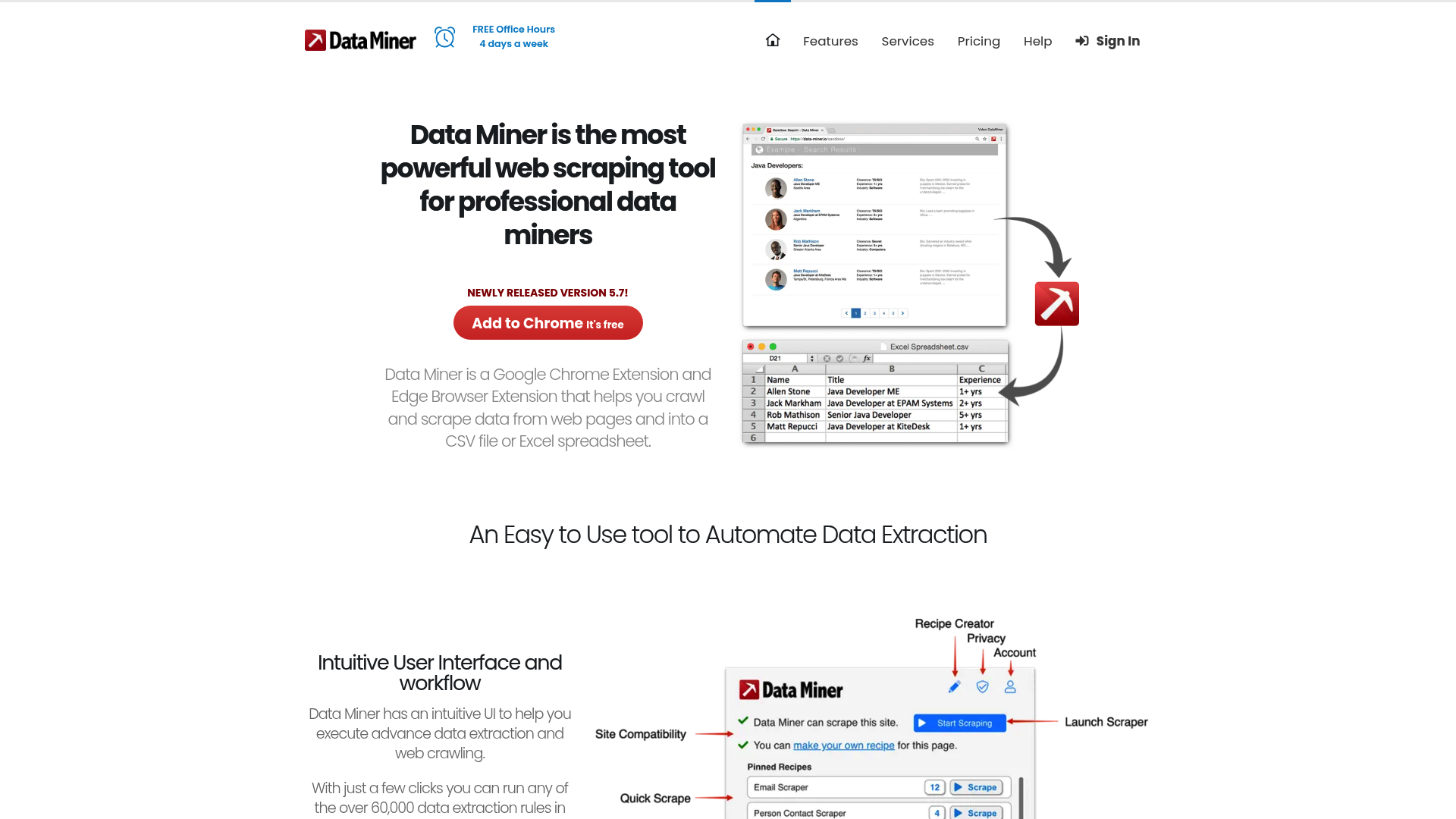
Data Miner eliminates tedious manual data entry with a browser extension featuring over 50,000 pre-defined queries. The result: automated, code-free data export to CSV or Excel.
Company snapshot
- Followers
- 1 (2026-06-19)
- HQ
- Seattle, Washington, United States
Facts
- Customers
- DAZN, BTS Software Solutions, Concentrix, Skyline Communications, La Banque Postale, SES Satellites, LES MOUSQUETAIRES, PS&S, Circinus LLC, Cornershop...
- Followers
- 1
- Review created
- Last reviewed
Data Miner Review 2026: The Ultimate Tool for Web Scraping Put to the Test
- Unique Feature: Over 1 million user-generated recipes for instant scraping.
- Rating & Criticism: 4.7/5 stars; praised for ease of use, criticized for credit limits.
- Ideal for: Lead generation, market research, and SEO analysts without programming skills.
Introduction & Conclusion
Data Miner is a powerful browser extension for Chrome and Edge that allows you to extract data from websites without any programming knowledge. With a huge library of ready-made recipes and an intuitive interface, it solves the problem of complex data acquisition. The result is clean CSV or Excel files in seconds. Despite lower hurdles from anti-bot systems, it will remain a top tool for increasing efficiency in 2026. Core Features of Data Miner Automated Data Extraction Data Miner allows users to extract tables and lists directly from the browser. The software automatically recognizes structures on websites and converts HTML content into structured formats such as XLS, CSV, or Google Sheets. Particularly noteworthy is the ability to automate complex interactions such as clicking buttons, opening pop-ups, and navigating pagination. The Recipe Library: A unique feature is the community-driven database with over one million scraping recipes. Users don't have to define selectors themselves but can access templates for thousands of popular websites. This saves a significant amount of time and makes the tool accessible even to absolute beginners. API and Developer Tools: For advanced users, Data Miner offers API integration. Namespaces for scripts, automations, and DOM access can be managed via the developer documentation. This enables deep integration into existing workflows and custom notification systems.
Practical Use Cases 2026
Lead Generation and Sales
Sales teams use Data Miner to collect contact information from platforms like LinkedIn or industry directories. By automating search results, hundreds of leads per minute can be generated and exported directly to CRM systems.
Price Monitoring in E-Commerce
Merchants can track competitor prices on marketplaces daily. Data Miner runs in the background, collects price data, and helps dynamically adjust their own pricing strategy.
Pricing & Value Analysis
Free vs. Paid Plans
Data Miner offers a starter plan with 500 free page credits per month. This is ideal for small projects. The paid plans scale with the number of credits and offer advanced automation features. Compared to competitors like Octoparse or ParseHub, Data Miner scores points with its browser integration, while cloud-based tools often have advantages in proxy rotation when dealing with very large datasets. Comparison with competitors: Octoparse: Better for 24/7 cloud scraping, but more complex to set up. Web Scraper (Extension): Free and open source, but requires more technical understanding of selectors. Data Miner: The best compromise between performance and ease of use through recipes.
Recent (last 90 days)
News & updates
The article highlights dataminer.MediaOps receiving the CSI Award, celebrating its innovative projects in IP Production. It notes the importance of this achievement as part of a series of recognitions earned in a short time frame, reflecting the company's impact in the media sector.
Company
#VALUE!
LinkedIn ↗