

Findmassleads
Problem: Target customers are hard to find. Solution: FindMassLeads delivers technology-based mass B2B lists including email addresses. Result: Scalable outreach and many qualified leads.
Company snapshot
- Headcount
- 1 (2026-08-13)
- Followers
- 1 (2026-08-13)
- HQ
- Rennes, France
Headcount growth
Based on LinkedIn data.
Facts
- Pricing
- Paid (ab $24/Mt)
- Customers
- René Pfitzner (experify.io), Razvan Alexa, Berkeley LLC.
- Employees
- 1
- Followers
- 1
- Review created
- Last reviewed
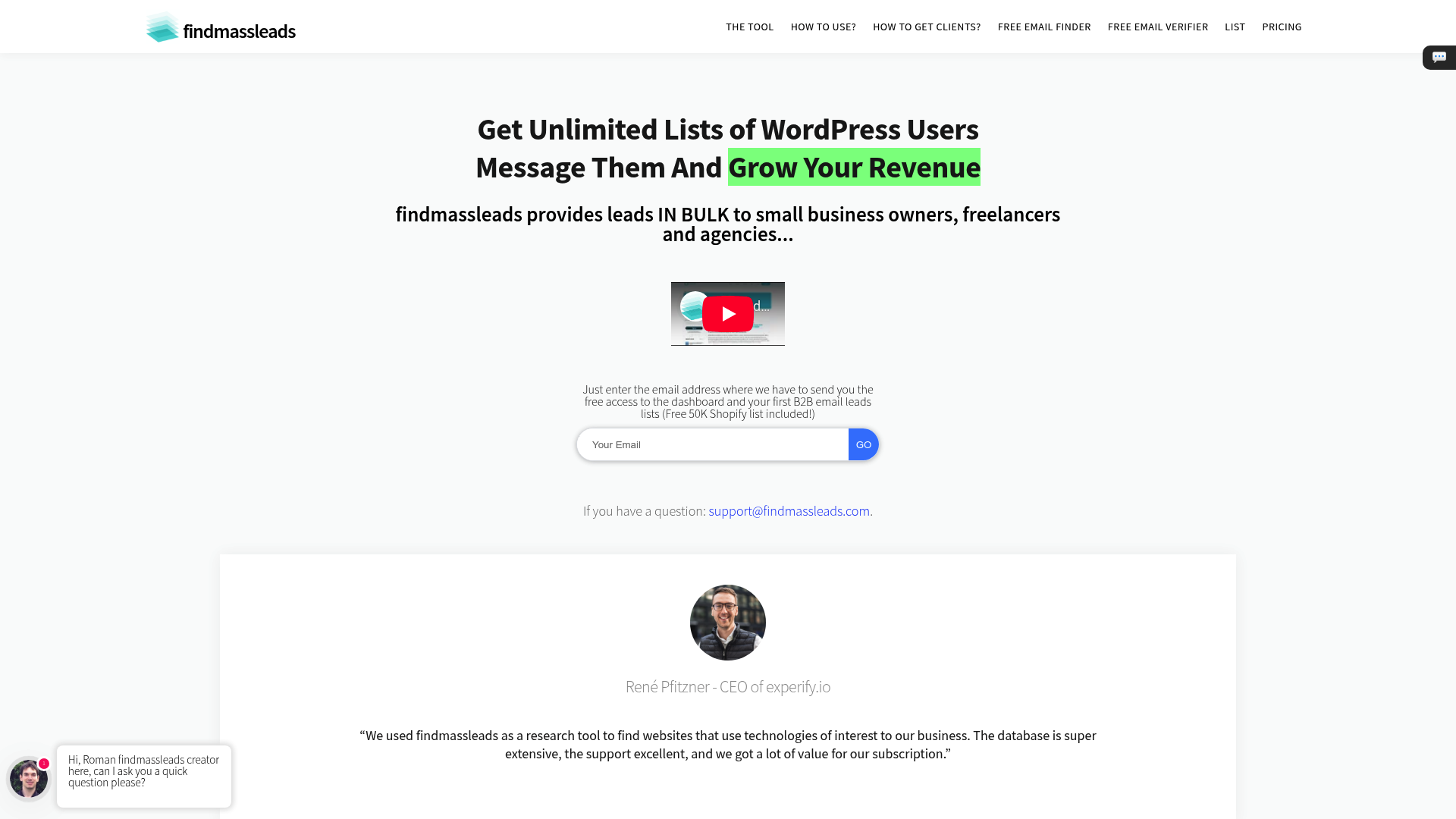
Findmassleads Review 2026: The Ultimate Solution for Technology-Based Lead Generation?
- Unique Feature: Search by Technology Stacks (e.g., Shopify, Analytics)
- Rating: 4.2/5 - Excellent data set, but limited third-party verification
- Best suited for: Agencies, SaaS providers, and freelancers in the B2B sector
Summary & Verdict
Findmassleads is a specialized lead generation tool that helps companies identify potential customers based on the technologies they use. It solves the problem of time-consuming manual research by making huge databases searchable for specific software footprints. For users seeking volume and technological relevance, it offers excellent value for money, but requires their own data quality validation. The main problem: Finding the needle in the haystack of B2B contacts. In modern sales, companies face the challenge that general industry directories are often too imprecise. For example, someone offering a service to Shopify store owners wastes time with lists that simply categorize as 'e-commerce'. Findmassleads addresses this issue by filtering the internet for the tools actually installed on a website. The solution: Findmasslead's core features. Technology-based search. The software's core capability is its ability to search websites based on their tech stack. Users can filter specifically by CMS (Content Management Systems), frameworks, analytics tools, or advertising pixels. This enables highly personalized communication, as you already know which infrastructure the potential customer uses. Bulk Email Finder & Verifier Instead of just providing company names, Findmassleads offers integrated tools to find suitable email addresses in bulk. An integrated verification service ensures that bounce rates remain low in cold calling campaigns, saving on the costs of external tools. Data Export and API Integration The generated leads can be easily exported as a CSV file. This is essential for integration into existing CRM systems or cold email automation tools. For advanced users, the API offers the option of feeding data directly into their own workflows. Practical Use Cases 2026 In today's sales landscape, relevance is more important than sheer quantity. Agencies use Findmassleads to specifically target companies that are using outdated technologies or have just implemented a new tool. For example, a marketing agency filters for websites that have a Facebook pixel installed but are not visibly running any retargeting campaigns. Pricing & Comparison with Competitors Findmassleads positions itself through a model with fixed monthly prices and high credit limits for bulk queries. This differentiates it from providers like Apollo.io or Hunter.io, which often have more restrictive limits in their basic packages. Findmassleads vs. BuiltWith While BuiltWith is considered the gold standard for technological data, it is often prohibitively expensive for smaller agencies. Findmassleads offers a cost-effective alternative that combines technological search directly with an email finder. Findmassleads vs. Snov.io Snov.io excels at email automation but offers less in-depth insight into a website's technological footprint compared to Findmassleads. Users must weigh up whether the focus is on search (Findmassleads) or sending (Snov.io).
Step-by-step guide to lead generation
- Define technology: Select the software your target customers use (e.g., 'Intercom' or 'Hotjar').
- Refine filters: Combine technologies to narrow the search (e.g., Shopify AND Google Analytics).
- Generate list: Start the search and let the tool find the email addresses of the decision-makers.
- Export: Download the CSV file and upload it to your CRM system.
Recent (last 90 days)
News & updates
#VALUE!
Company
#VALUE!
LinkedIn ↗