

Wispr Flow
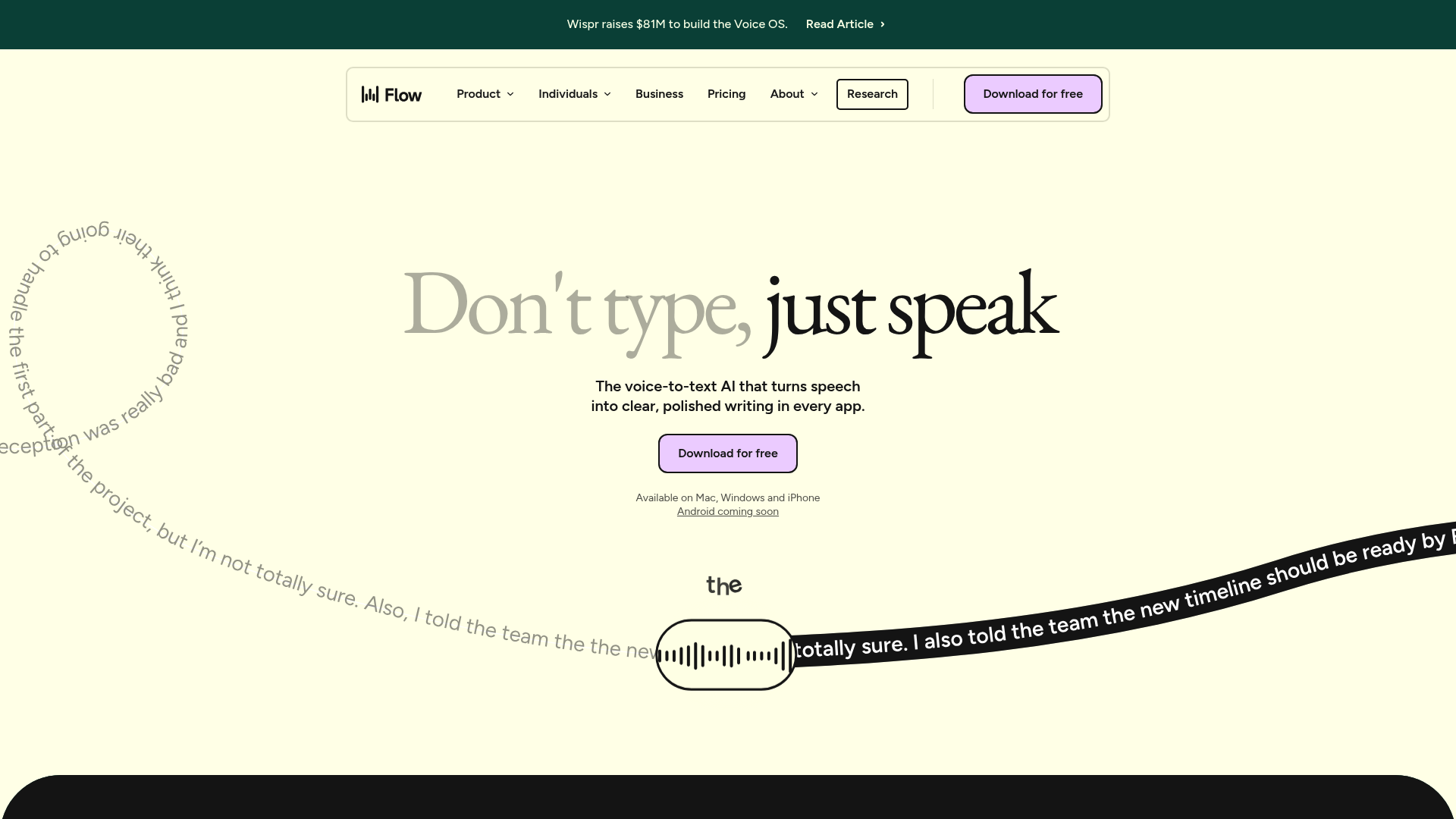
Problem: Typing is slow. Solution: Wispr Flow converts speech into instantly edited, clear text in all apps. Result: Up to 4x faster work.
Company snapshot
- Headcount
- 74 (2026-01-01)
- Followers
- 61,868 (2026-06-19)
- HQ
- San Francisco, CA, United States
Headcount growth
Based on LinkedIn data.
Wispr Flow's GTM, reverse-engineered
Why is Wispr Flow growing so fast?
Wispr Flow's hypergrowth stems from a highly focused product wedge that quickly evolved into a broader ecosystem. Starting as a niche voice dictation utility exclusively for Mac users, the company secured user habituation before expanding into a cross-device B2B platform. This strategic transition from individual productivity to enterprise software, correlated with rapid venture funding, allowed them to scale headcount by 236% over twelve months and reach a $2 billion valuation.
Headcount: 22 → 74 (+236% / 12M, 2026-01-01)
Highly Specific Product Wedge
Supported inferenceWispr Flow entered the market with a tightly defined utility: fast voice dictation specifically for Mac computers using Apple Silicon. This narrow focus minimised friction and created strong individual user habits before the company attempted broader expansion.
PLG to Enterprise Expansion
Supported inferenceThe company leveraged a freemium model to drive initial product-led growth through social distribution. Once individual user adoption was secured, Wispr Flow introduced team tiers and seat-based monetisation to capture B2B revenue.
Evolving to a Voice OS
Correlation in timeRather than remaining a tactical dictation app, messaging and product scope expanded toward an ambitious infrastructure platform. The launch of an iPhone app and the acquisition of Yapify correlate with their repositioning as a comprehensive voice operating system.
Evidence-based GTM analysis (GTM-RX). Observations, company claims and inferences are labelled separately. 5 sources. Updated: 2026-08-28.
Facts
- Industry
- TechnologyInformation and Internet
- Competitors
- Otter.aiDescriptDragon NaturallySpeaking
- Customers
- Wispr Flow customers include professionals such as leaders, developers, students, sales personnel, lawyers, customer support teams, creators, as well ...
- Employees
- 74
- Followers
- 61,868
- Review created
- Last reviewed
Wispr Flow Review 2026: The Revolution of Speech-to-Text Productivity?
Special Feature Rating & Critique Ideal for App-Specific Tonality & Auto-Editing 4.8/5 - Excellent precision, hardly any post-processing needed. Power Users, Developers & Accessibility
Introduction & Conclusion: Is Wispr Flow Worth the Switch?
Wispr Flow is an AI-powered dictation solution that not only transcribes spoken language but actively transforms it into polished text. Unlike standard dictation devices, Flow adapts to the context of the respective app and automatically removes filler words. For professionals who type thousands of words daily, it offers up to four times faster speed with maximum data security (HIPAA/SOC2).
The core problem: The typing barrier in everyday digital life
Despite advanced computers, the keyboard remains a bottleneck. People speak significantly faster than they can type. Conventional dictation functions often fail due to technical terms, filler words, or a lack of formatting, requiring tedious manual post-processing. Furthermore, prolonged typing frequently leads to physical strain such as carpal tunnel syndrome.
The solution: Wispr Flow as an intelligent "Voice OS"
Wispr Flow picks up where Siri and similar systems leave off. It functions as an invisible layer above the operating system (Mac, Windows, iOS) and understands not only words, but also intentions. Intelligent Auto-Editing Automatically removes "hms," pauses, and word repetitions. Logically inserts punctuation and paragraphs according to context. Converts casual language into professional written language. App-Aware Tone Detects whether you are writing in Slack (casual), Outlook (formal), or Cursor/VS Code (technical). Automatically adapts the writing style to the target application. Personal Dictionary & Snippets
- Learns specific technical terms, names, and acronyms during use.
- Enables language abbreviations for frequently used text snippets.
Practical Scenarios: Workflows in 2026
In the modern workplace, time is the most valuable resource. Wispr Flow optimizes specific processes:
- Software Development: Quickly dictate commit messages or documentation directly in the IDE without losing focus.
- Legal Advice & Medicine: Precise note-taking in compliance with the strictest data protection guidelines (HIPAA compliance). Content Creation: Initial drafts for blog posts or scripts are created while walking or during a short break. Pricing & Value Analysis in ComparisonWispr Flow positions itself as a premium tool compared to the free, built-in tools from Apple or Microsoft.
- Basic: Free entry with limited word volume for casual users.
- Pro (~$12-$15/month): Unlimited usage, higher priority, and advanced features for individuals.
- Enterprise: Individual pricing for teams, including SOC 2 Type II security and centralized management.
Recent (last 90 days)
News & updates
Wispr Flow has been recognized for its outstanding design in the field of artificial intelligence, receiving Honorable Mentions in the prestigious Fast Company’s 2025 Innovation by Design Awards.
Company
Wispr Flow (available on Mac, iPhone and Windows) lets you speak naturally and see your words perfectly formatted—no extra edits, no typos. It’s the easiest way to write 4x faster across all your apps.
LinkedIn ↗